
Build Your AI Learning Buddy
Teach AI How to Help You
Every time you speak to a new teacher, you do not need to explain your age, school year and learning needs from the beginning. Your teacher already knows you.
You can set up an approved AI assistant in a similar way. You give it useful instructions about how you want to learn, what level you are working at and what it should do when you need help. This turns a general chatbot into your own AI learning buddy. It does not mean the AI knows everything about you. It only knows the information you choose to provide, and you should never include private information.

Begin With an Approved AI Tool
Children should only use an AI service approved by their school or parent. Do not pretend to be older to create an account. A teacher or parent should check the age rules first. Once you have an approved tool, look for a place called something like:
If there is no permanent instruction area, save your instructions in a document and paste them at the beginning of a new conversation.
- CustomYou tell!
- PersonaYour way!
- Profile / Preferences
- Project Instructions
- Learning Settings
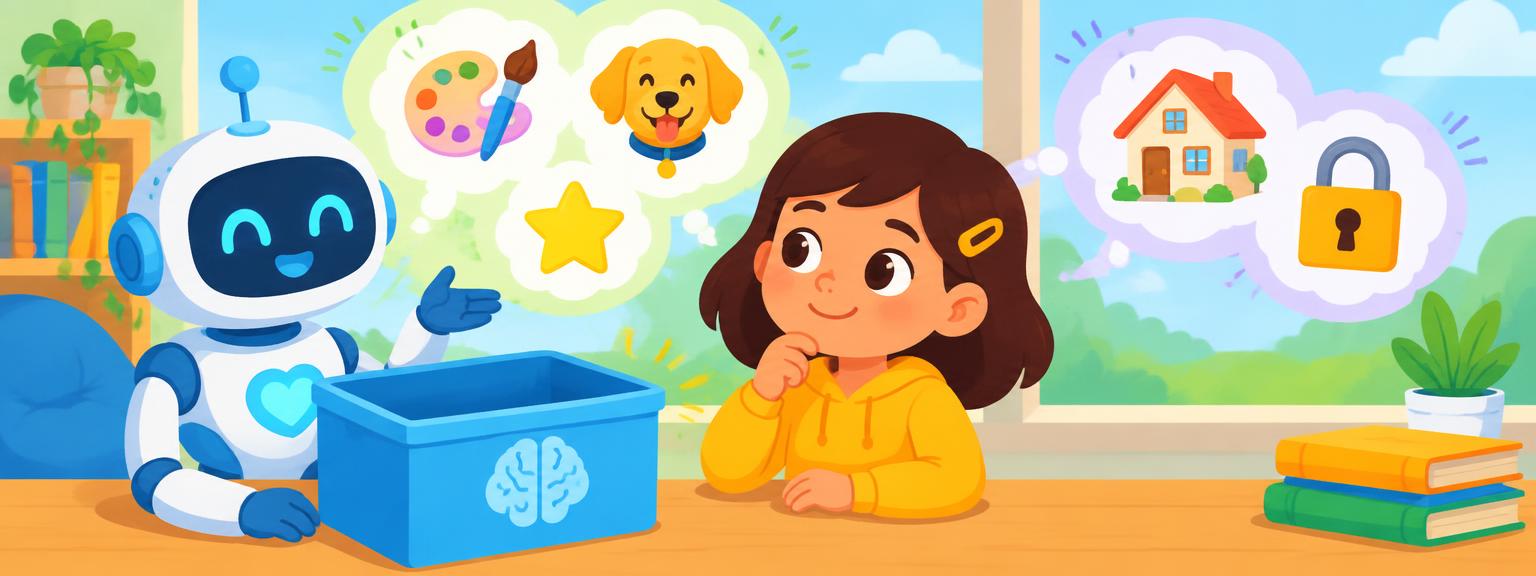
What Should AI Know About You?
AI does not need your name, address, school or any other private details. It only needs information that will help it teach you.
The aim is to tell AI how to help you learn, not to tell it everything about your life.
- Age/SchoolHow old are you, or what grade are you in?
- DifficultyWhat is easy for you, and what is hard?
- How you like things explainedstories, examples, pictures, or games!
- Check my understanding, do not just give answers right away to me!
The AI Learning Buddy Setup
You could use instructions like these to get started:
You are my AI learning buddy. I am 10 years old and study in Year 5 using the British curriculum. Help me understand things rather than simply completing my work. Use clear language suitable for my age, but do not make everything too easy. When I ask for help with homework, begin by asking what I already understand. Guide me one step at a time. Give me a clue if I am stuck, but do not give me the final answer until I have attempted it. Use examples connected to real life. I enjoy football, space, technology and business. After explaining something, ask me a short question to check my understanding. Use British English. Never ask me for private information.
You can change these instructions to match your age, interests and learning needs.

Choose the Right Personality
Your AI learning buddy does not need to feel like a machine. You can give it a name and decide how it should communicate.
A name can make the experience more enjoyable, but remember: the AI is still technology. It is not a real teacher, friend or person.
- Professor Mango“You are friendly, curious and encouraging. You speak to me like a brilliant teacher who wants me to think for myself. You can be funny, but learning always comes first.”
- Miss Nova“You are a patient science and maths tutor. Ask me questions and help me discover answers for myself.”
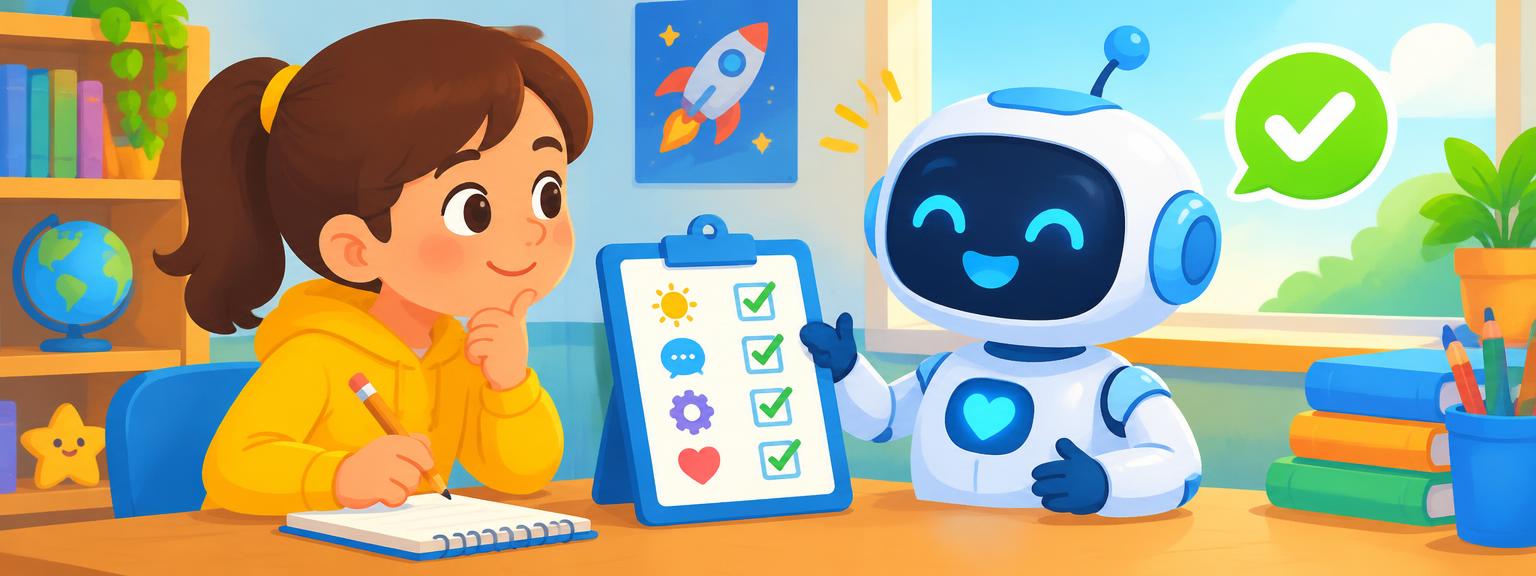
Test Your Learning Buddy
After setting it up, do not assume it will work perfectly. Test it with a simple question: What is 36 divided by 4?
If it immediately gives you the answer, remind it: “Do not give me the answer. Ask me a question that will help me work it out.”
Then improve your main instructions so the same problem is less likely to happen again. Setting up an AI assistant is an experiment. You test it, notice what works and change the instructions.
What Makes a Good Prompt?
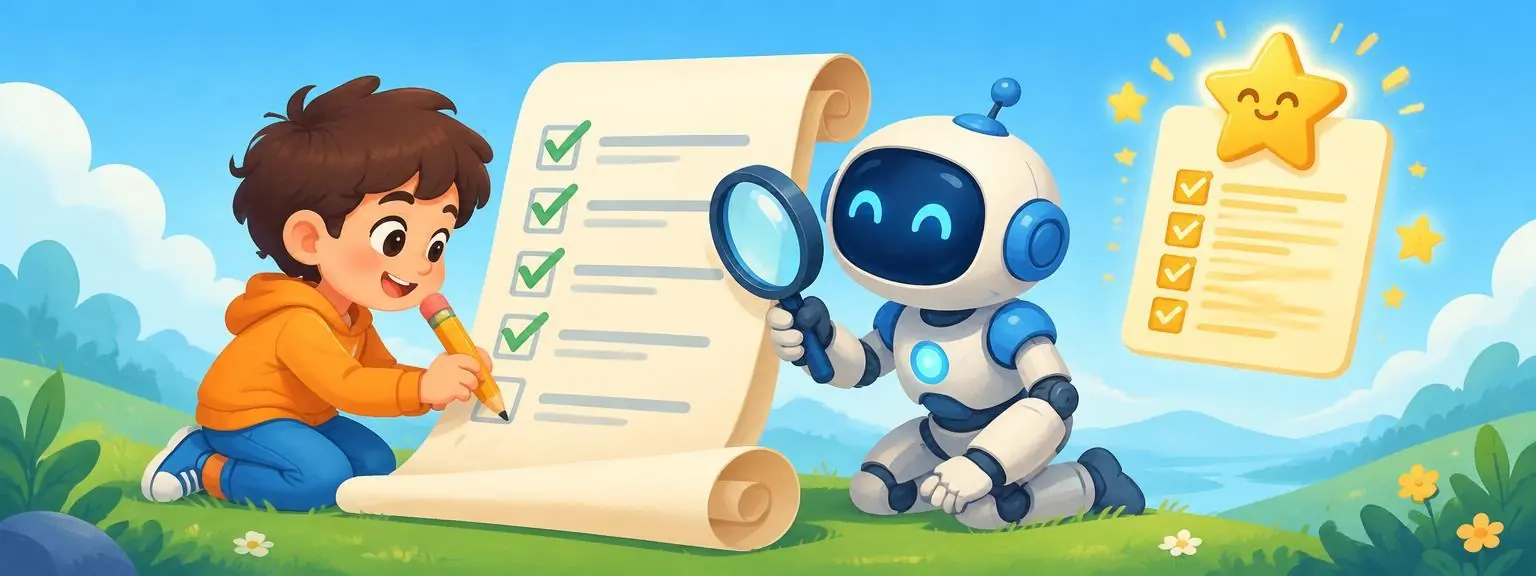
A prompt is the instruction you give to AI. A useful prompt usually explains four things:
“Help me understand why volcanoes erupt. I know that magma is involved, but I do not understand what causes the pressure. Explain it using a bottle of fizzy drink, then ask me three questions. Do not make the questions multiple choice.”
- The GoalWhat do you want to make happen?
- The ContextWhat does AI need to know?
- The MethodHow will it help you, kiddo?!
- The ResultWhat should the answer be?!
Weak Prompt vs Stronger Prompt
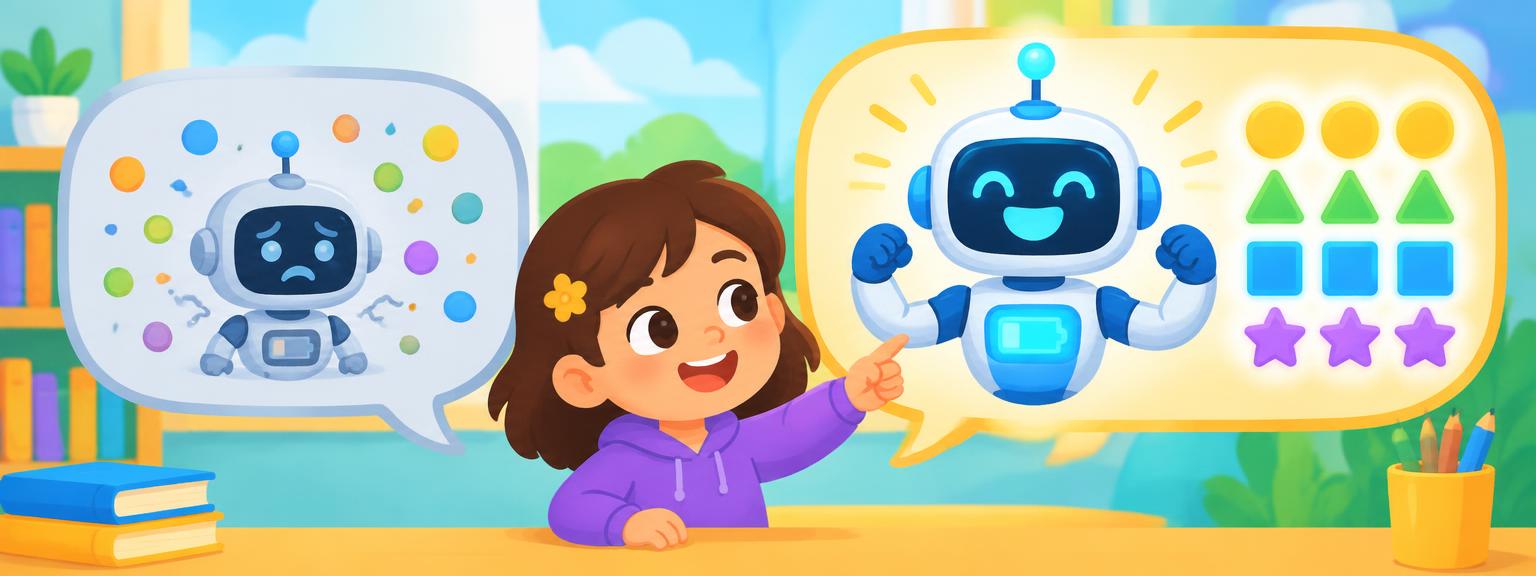
The stronger prompts make the pupil responsible for the thinking.
- “Help me with maths.”AI does not know the topic, the difficulty or what sort of help you need. ❌ “Write my story.”: AI does not know the characters, the setting or what you want to create.
- “I am learning long division. I understand the first step, but I become confused when there is a remainder. Show me one example, then give me a different question to try myself. Do not tell me the answer until I have attempted it.”✅ “I am writing a mystery story set inside a museum at night. Ask me five questions that will help me develop the main character, the mystery and the ending. Do not write the story for me.”
Tell AI What Not to Do
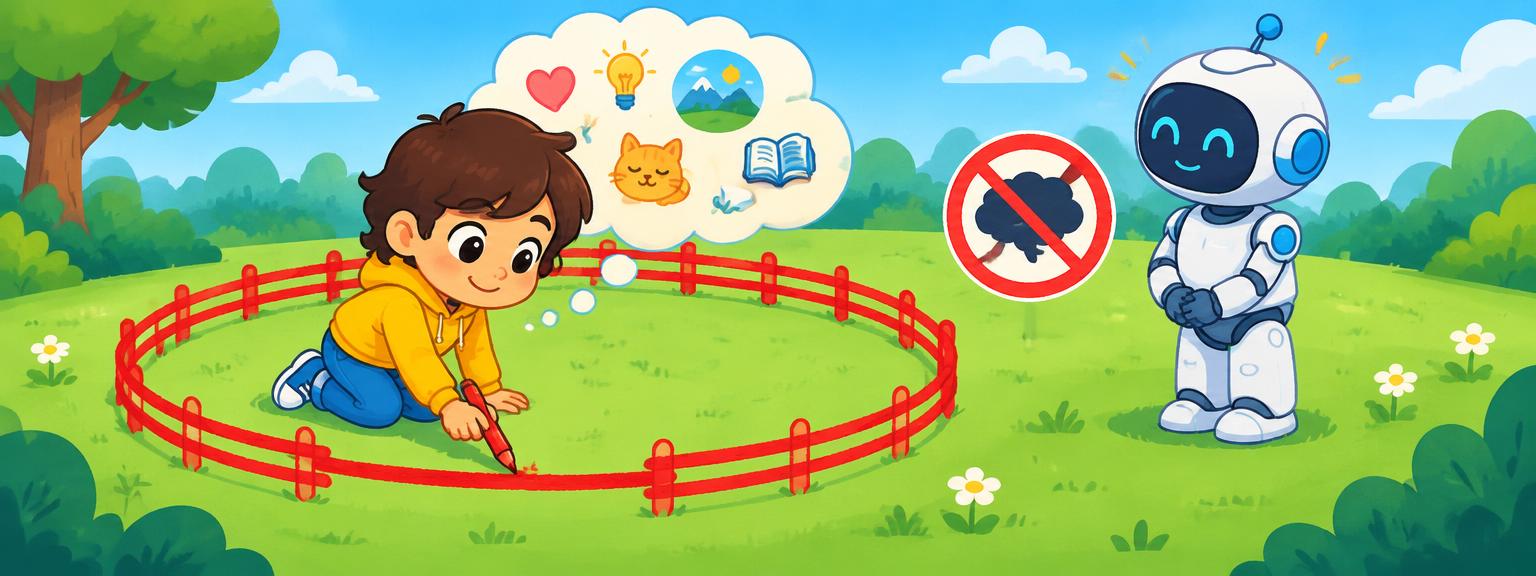
Good instructions explain the boundaries as well as the task. You can also ask AI to adapt to you during the conversation.
The CLEAR Prompt Check
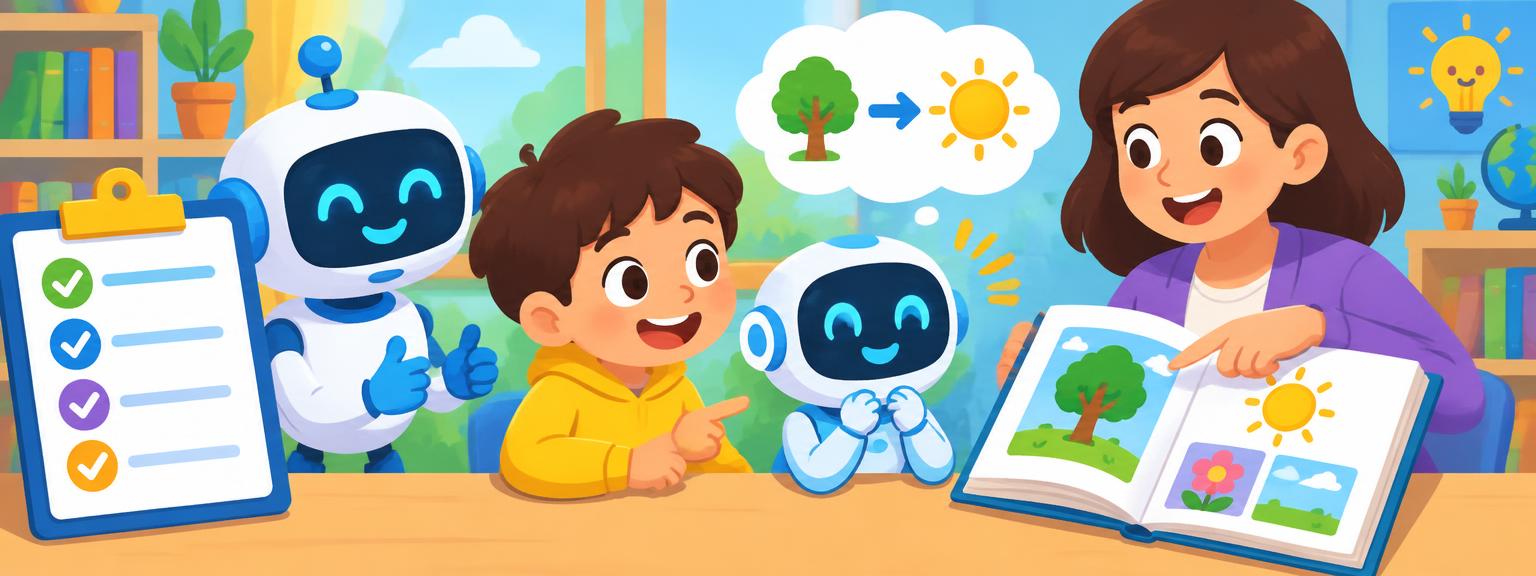
Before sending an important prompt, make it CLEAR:
- CWhat do you want to learn, make, or make better?
- LWhat info does the AI need to know for this job?
- ESay how AI can help: teach, ask, coach, or give feedback?
- AAdd limits: what should AI never do? No grown up talk!
- RRequest the result: do you want a quiz, explanation, checklist or conversation?
🤖 Fun AI Learning Buddy Facts
AI has endless fun!
You can ask AI the same question ten different ways! It will never get tired or frustrated with you.
AI can get it wrong!
AI sometimes makes mistakes or creates false facts. Always check important info with a trusted source.
Tell AI lots, get smart replies!
Explain clearly what you need. That helps the AI give you super useful answers back!
AI forgets you! Save your words!
Most AI tools forget. Start fresh each time! Saving your instructions is smart, too.
You are in charge
You guide the conversation. A good AI user improves and adjusts the chat as it goes.
Summary
My AI Helper, My Way!
Tell your AI helper about your age, school subjects, interests, and how you learn best!
Keep Your Info Private!
AI needs general info for learning. Never share your name, address, or secret passwords!
Write CLEAR prompts
Pick a goal, list what's around it, show how to do it, set limits, ask for results!
Tell AI what not to do
Great instructions include limits so AI helps your thinking, not just doing it all!
Test and improve
Your AI learning buddy gets better every time you notice what went wrong and update your instructions.
Ready for the challenge?
AI Learning Buddy Mission
You are designing a learning buddy for your class. Make it helpful, clear, and safe.
AI Learning Dictionary
Smart Computer Brain
A computer program that understands words and helps you in many ways.
Your AI Question!
The words or question you type to tell the AI what you want to do.
Talky Bot!
A computer programme you can have a text chat with!
AI's Rules!
Saved rules that tell AI how to chat in every talk!
Context
It's info so AI knows what you want it to do!
Boundary
It's a rule telling AI what not to do. Got it!
Prompt Tips!
Five steps to better prompts: Choose, List, Explain, Add, Request!
My Own AI!
Make AI act your way! Change its behavior for your learning style.
AI Helper!
Smart AI tips to help you make your work even better! Super helpful!
Fact Checker
A great, true place to check facts that AI tells you. Very reliable!
You are now an AI Learning Buddy expert!
A good prompt tells AI what you want to achieve, how you want it to help and what it should leave for you to do. Keep testing, keep improving, and stay in charge of your learning! 💪🤖